Add Image to Word File [DEPRECATED]
This action is deprecated, meaning it is outdated and no longer maintained. It can still be used, but the updated version here (opens in a new tab) includes new features and bug fixes.
Usage
You can add an image to a Word File.
Input Arguments
| Input Argument | Type | Description | Required? | Advanced Option? | Default |
|---|---|---|---|---|---|
| Image | Image | The image which shall be added to a Word | ✔️ | ❌ | A new word file is being created if none was chosen. |
Output
| Response | Type | Description |
|---|---|---|
Word | DOCX | The Word containing the image. |
Power Automate Examples
Add Image to Word File
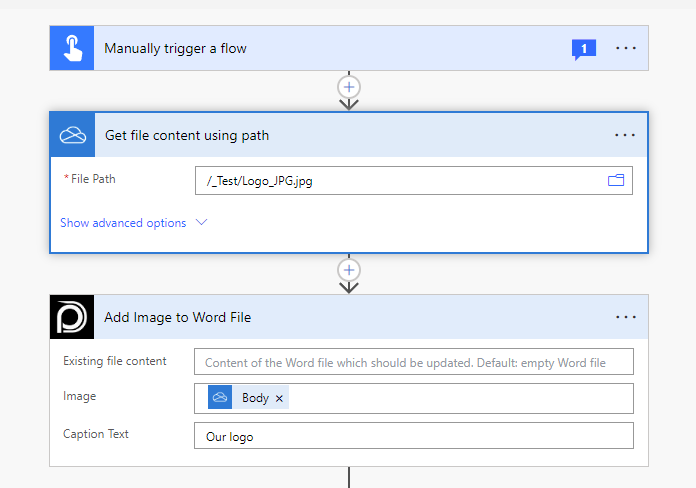
We use our logo as an example and include it with a caption to a newly created Word document (since we did not choose an existing Worddocument in the beginning).
💡
Looking for the response of this example? If you scroll up you see an Output tab.
Power Apps Examples
Known Limitations
⚠️
If you experienced other limitations please get in touch with us!